CREATE IMAGES IN YOUR BROWSER
Create images from words, or edit a photo. Make visuals for social posts and product listings.

Text to Image
Edit and finish, too
Left: original / Right: result
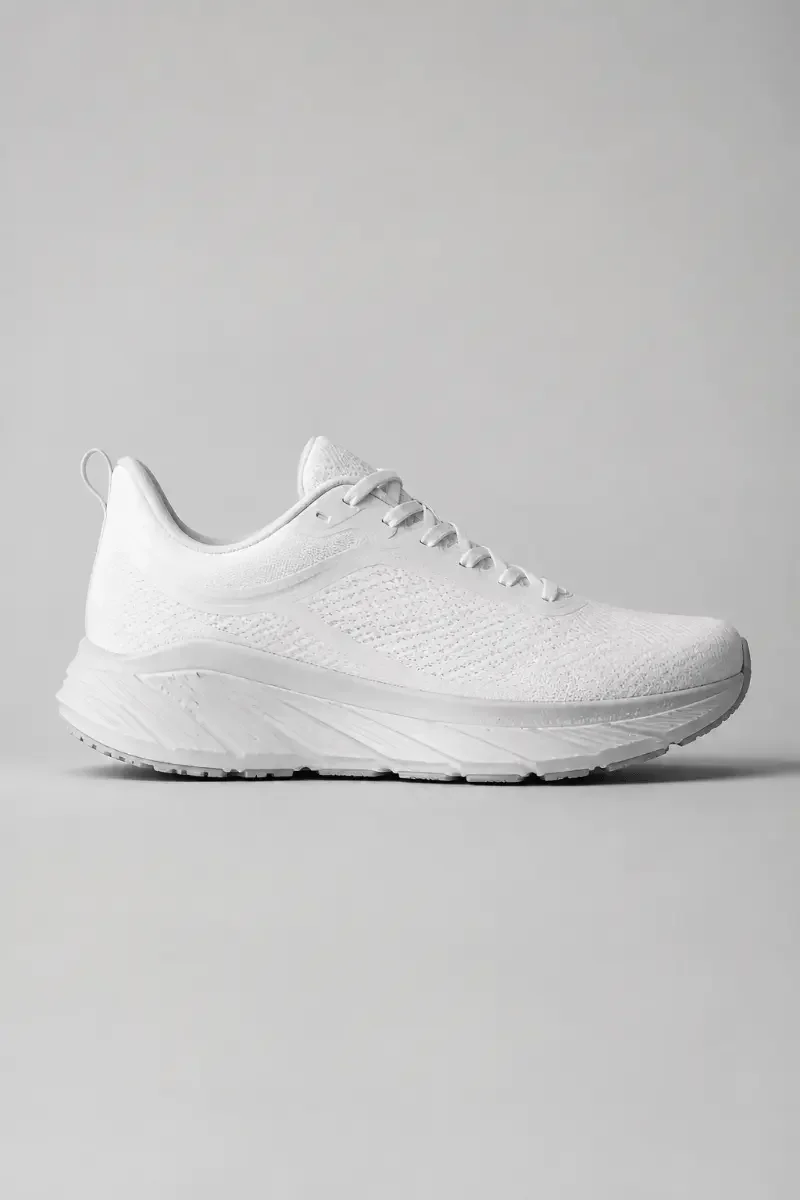
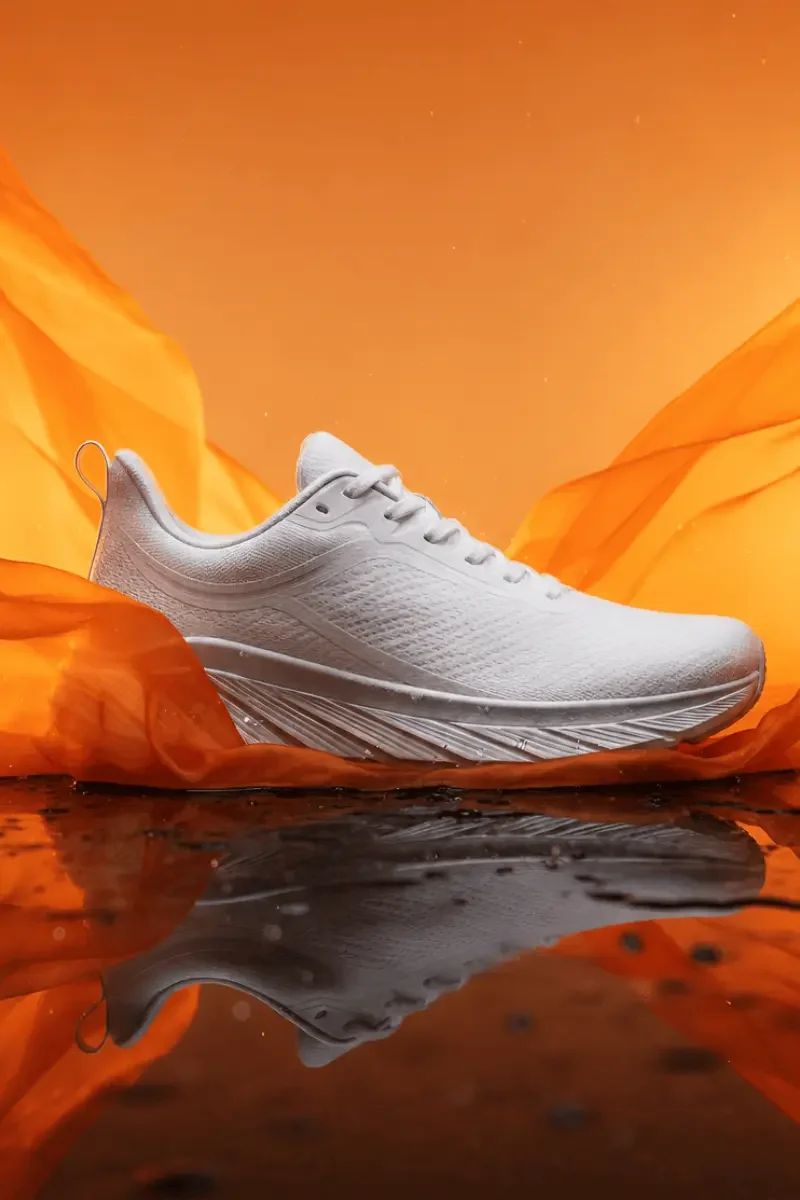




Checkerboard shows transparency. Enhancement detail is from the 1x example.
✓
3 free uses daily across Standard models
✓
No credit card required
CHOOSE BY WHAT YOU WANT TO DO
What will you create today?

TEXT TO IMAGE
Create visuals for posts and blogs
Describe a subject and mood to generate a new image. Make photo-style visuals, illustrations, or explore an idea.
See more about Text to Image tool

IMAGE TO IMAGE
Give an existing image a new look
Upload a photo or illustration and describe your changes. Try another style or background using the same starting image.
See more about Image to Image tool

BACKGROUND REMOVER
Turn product photos into cutouts
Remove the background and download the subject as a transparent PNG, ready to place in a store listing or ad.
See more about Background Remover tool

IMAGE UPSCALER
Enhance or enlarge a small image
Use 1x to enhance without resizing, or 2x and 4x to increase both width and height. Prepare images for web layouts or print.
See more about Image Upscaler tool
HOW IT WORKS
Choose, add your input, download
Choose a tool for your task
Explore examples on the tool’s page, then start creating. If you are new, create a free account to continue.
Add text or an image
Describe what you want for Text to Image. Upload a source image for Image to Image, Background Remover, or Image Upscaler.
Run the tool and download
Check free usage or the required credits near the run button. When processing finishes, review the result and download your image.

See Text to Image examples and instructions
SIMPLE PRICING
Try it free. Choose a plan as you go.
Free
For trying things out
$0
No credit card required
- Standard models
3 uses / day
Shared across all 4 tools
Start free. Upgrade whenever you need more.
Professional
For creating every day
$4.50
/ month
- Standard models
Unlimited uses
Across all 4 tools while subscribed
$4.50 billed each month · Renews monthly
Confirm the final currency and total on the checkout page.
Shared across both plans
All 4 creative tools
Text to Image, Image to Image, Background Remover, and Image Upscaler.
Premium models · Extra credits
Available on either plan with separately purchased credits. Credits are not included in Professional.
14-day image history
Download images you want to keep within 14 days.
Plans and credits: what is the difference?
A monthly or yearly subscription removes the 3-use daily limit on Standard models. Credits for Premium models are not included.
Buy credits as needed and spend them on Premium model generations. You can buy and use credits on Free. Credits do not increase your free daily allowance.
Standard models show a cost of 0 credits. For example, free-eligible background removal and upscaling use the Standard model allowance. Premium models require credits even on Professional.
Check model selection and the Run button for free eligibility and required credits. Credit cost depends on the model and settings.
FREQUENTLY ASKED QUESTIONS
Before you start
What can I do for free?
Use Standard models up to 3 times per day in total across all tools. No credit card is required. Premium models use credits separately from your free daily allowance.
Do I need to install anything or have design experience?
No installation is needed. Start in your browser with a short description or an uploaded image. Each tool includes guidance on what to enter.
Can I save the images I create?
Download images from your results or history. Images remain in history for 14 days, so download anything you want to keep to your device before it expires.
What if the result is not what I expected?
AI results vary with your text, source image, and settings. Review the details, adjust your input or settings, and try again. Background removal and enhancement results also depend on the source image.


@ 2026 piece of cake Inc. All rights reserved.