IMAGE TO IMAGE
Combine images with a text prompt to explore new styles, backgrounds, and details.
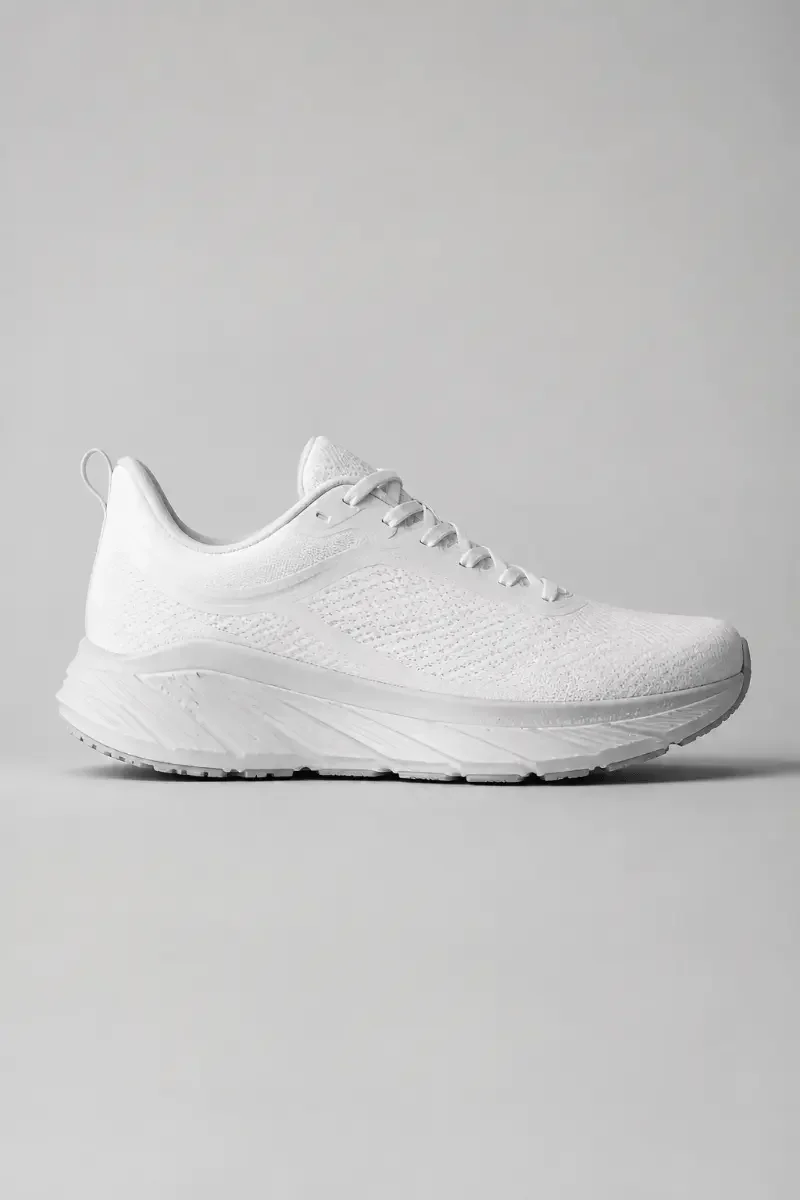
Original
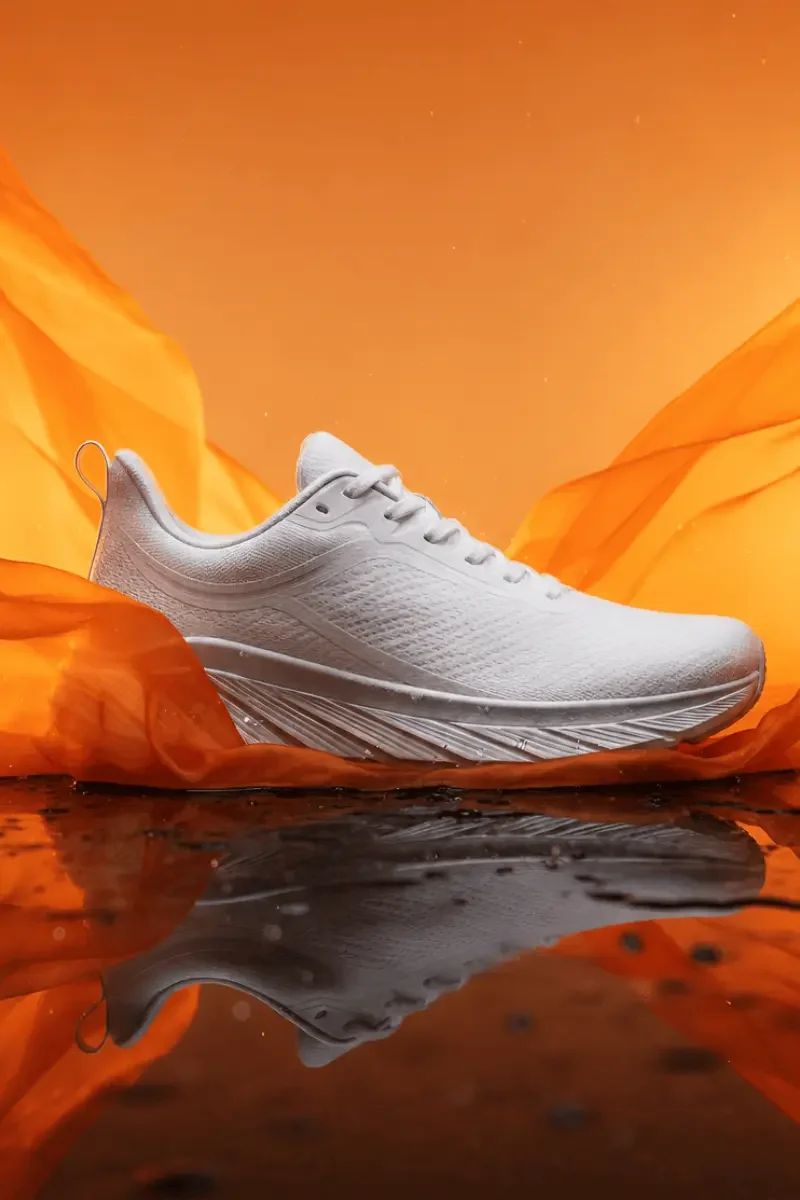
Generated example
Including other tools, 3 free uses per day
Start from your image
Use its subject and layout as a reference.
Edit with words.
Describe the change in plain language.
Review and download
Compare the result, then download.
IMAGE TO IMAGE, EXPLAINED
Transform an existing image with a text prompt
Image-to-image generation uses an uploaded image as visual context, then applies the changes you describe. It is suited to restyling a product shot, exploring lighting and backgrounds, refining a sketch, or combining visual references while keeping a recognizable subject.
For better control, state both what should stay the same and what should change. Generate several variations and compare them, because AI results can differ even when the input image and prompt are similar.
Choose a clear source image
Use a photo, sketch, render, or other reference where the important subject is easy to identify.
Describe what to keep
Name the subject, product shape, pose, composition, or other details that should remain recognizable.
Specify the change
Explain the new style, background, lighting, material, color, or scene you want to explore.
Choose how to use your images
Compare editing one image with combining several. Use the instructions and suggested settings below as starting points for your own edits.
ONE IMAGE + TEXT
Add elements to one image
Generate an image using your source and the changes you describe. Shapes and colors outside the requested edit may also change, so compare product details and other important features with the original.
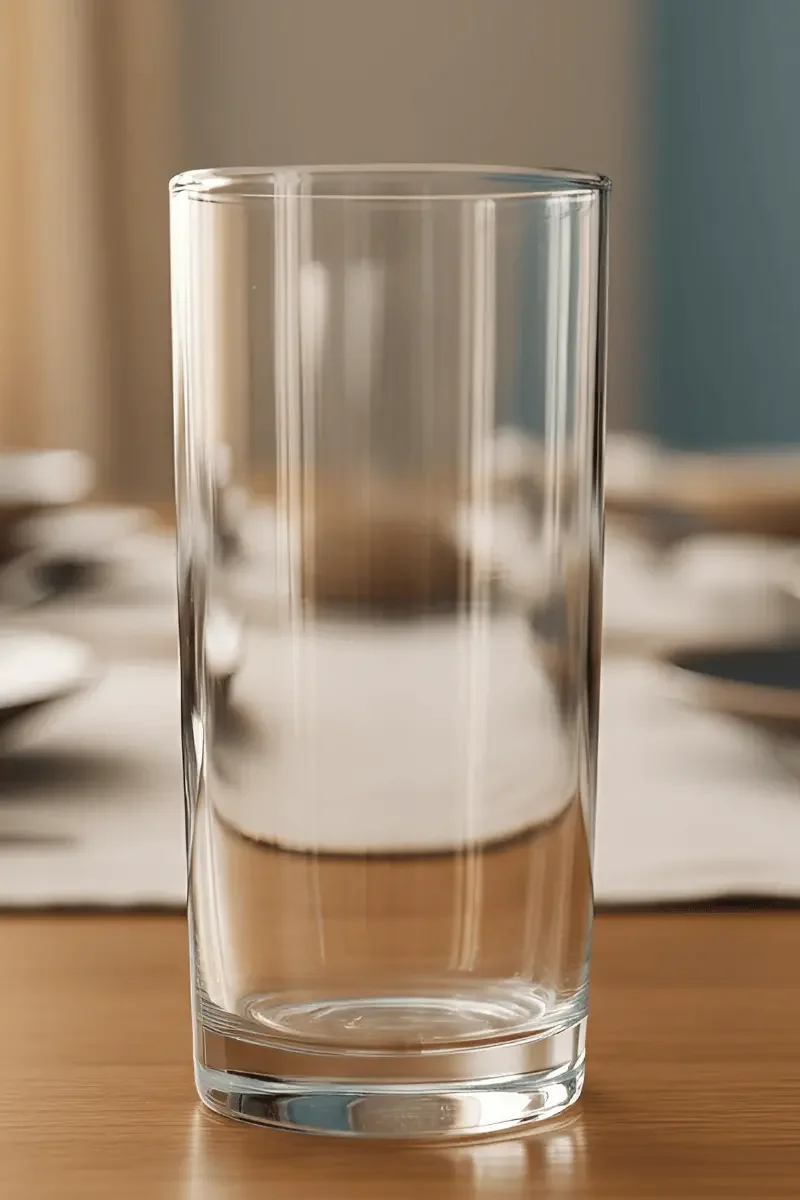
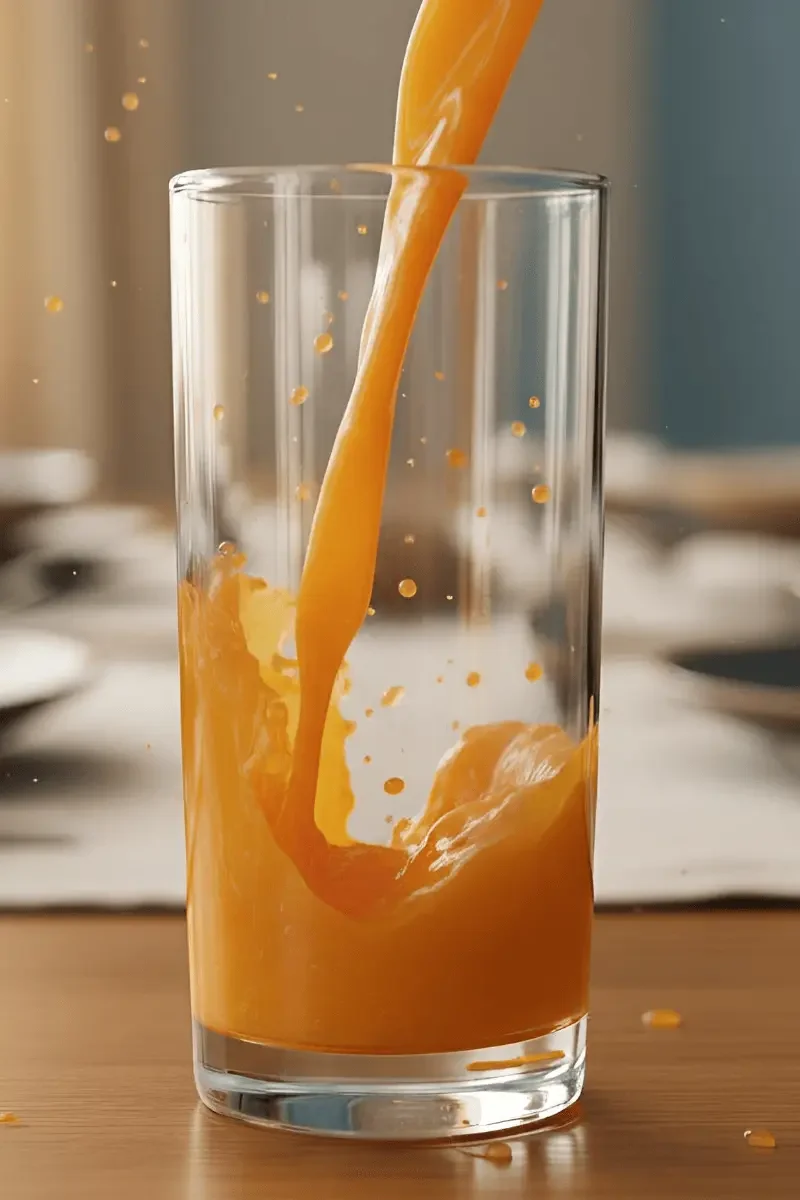
Example edit instruction
Show orange juice pouring into the clear glass. Keep the glass centered and add splashes and light reflections.
This is an illustrative instruction, not the original generation prompt. Unspecified details, including the glass shape, may also change.
TWO IMAGES + TEXT
Combine a photo with a logo
Use a bedroom photo and a logo image to explore a bedding design. Simple mode also supports multiple images with a compatible Standard model.

Suggested settings for this edit
Standard model
No style change
Mode
Simple (supports multiple images)
Usage
0 credits (uses your free allowance)
The Free plan includes 3 Standard model uses per day, shared across all tools. Check your remaining uses before generating.
Prepare two images
Image 1: A photo of a bed and bedding (the image to edit)
Image 2: A logo or pattern to put on the bedding (the reference image)
Add your own images in this order on the next screen. PNG or JPG, up to 4 MB each. This model supports up to 4 images.
Sample editing instructions
Print the logo from image 2 as a repeating pattern on the bed cover in image 1. Place one logo on each pillow. Keep the room composition, furniture, and bedding shapes. Blend the print naturally with the fabric folds and lighting.
These suggested instructions and settings are inspired by the example, not its original generation settings. Logos, lettering, and shapes may change; compare them with your originals before use.
HOW IT WORKS
Three simple steps.
01
Upload your image
Start with a photo, product image, sketch, or any visual reference.
02
Describe the change
Tell Fastby AI what to add or change using natural language.
03
Generate and download
Compare the results and download your favorite image.
IMAGE-TO-IMAGE FAQ
Questions about transforming images with AI
What is an AI image-to-image generator?
It creates a new image from an uploaded visual and a text instruction. The source image provides context while the prompt explains what to preserve or change.
How can I keep the original subject recognizable?
Use a clear source image and describe the pose, product shape, composition, or other features you want to keep. Unrequested details may also change, so compare with the original and refine your instructions when needed.
Can I combine more than one image?
Yes. Fastby AI can use multiple images as references and generate a result that brings their subjects or design elements into one composition.
How is image to image different from text to image?
Image to image begins with an existing visual, making it useful for controlled variations and restyling. Text to image starts from a written idea without requiring a source image.
RELATED AI IMAGE TOOLS
Continue your image workflow
Move between image generation, transformation, background removal, and enhancement without leaving Fastby AI.
YOUR NEXT IMAGE STARTS HERE
Your next image starts with one you have.


@ 2026 piece of cake Inc. All rights reserved.