BACKGROUND REMOVER
Remove backgrounds from product photos and portraits with AI. Review the edges, then use the transparent PNG in ads, product listings, or presentations.
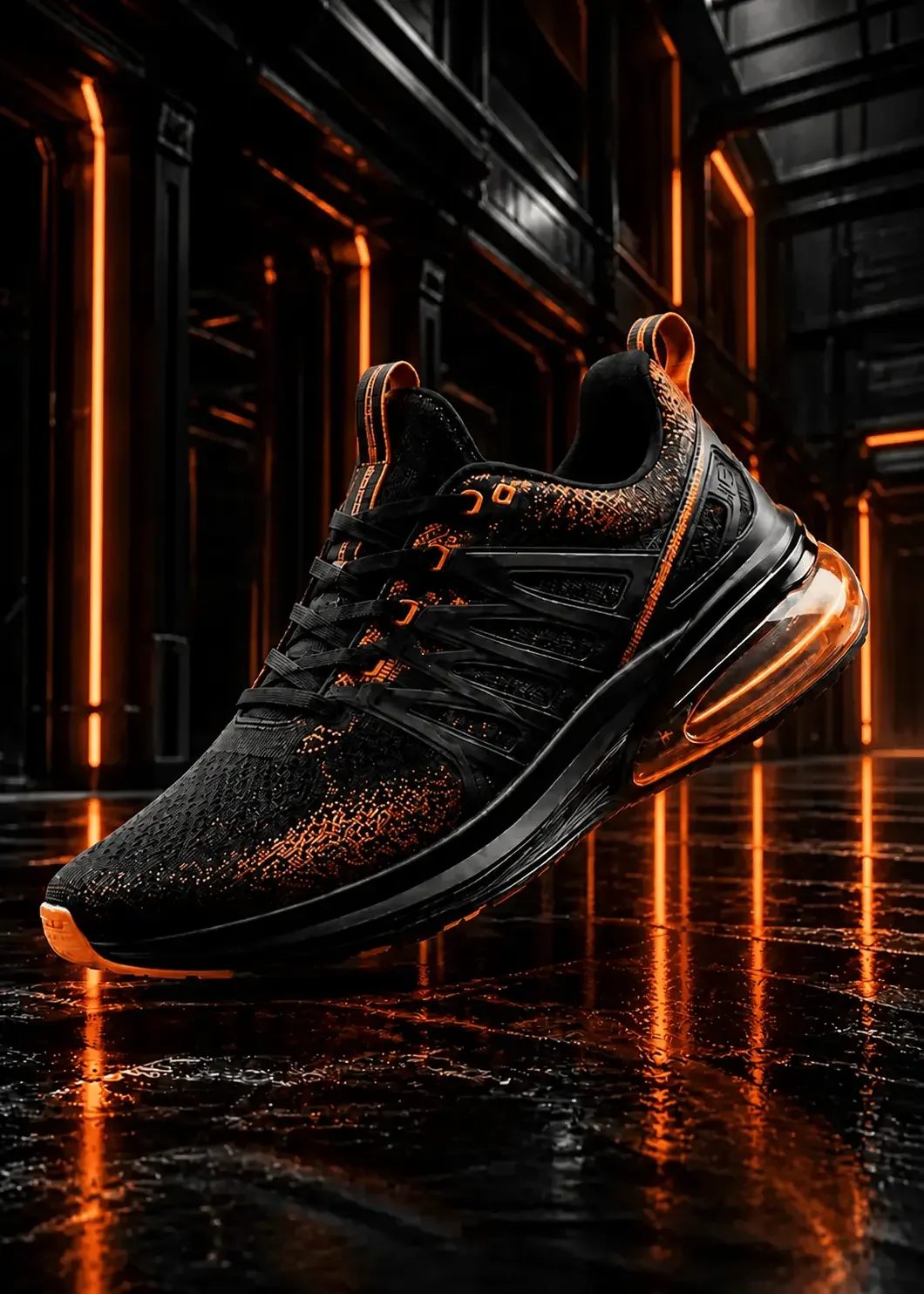
Original
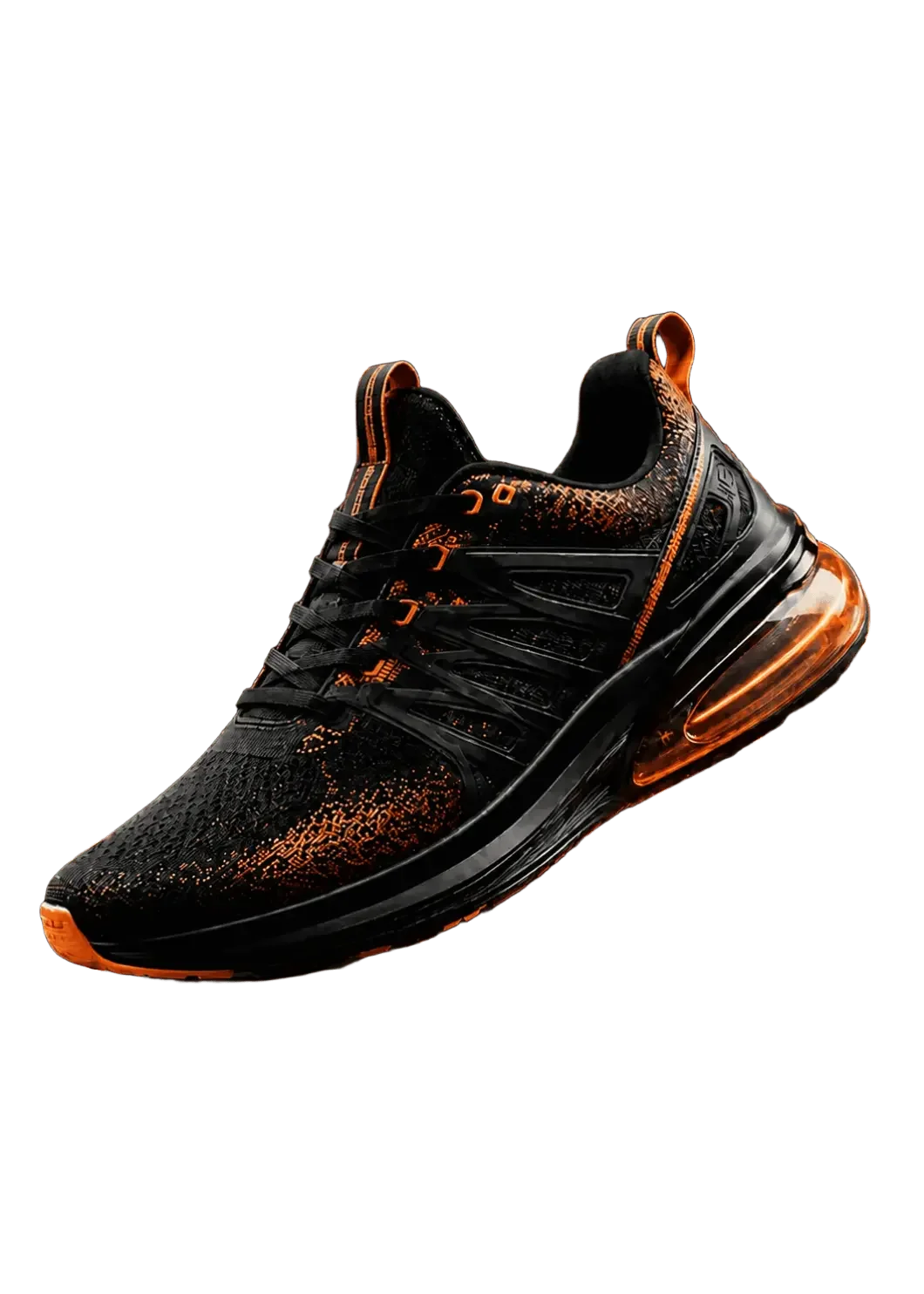
Background removed
Including other tools, 3 free uses per day
Input: PNG or JPG, one image up to 4 MB
Output: PNG with a transparent background
AI detects subject edges
Detect the boundary between the subject and background.
Automatic background removal
Choose an image and start processing.
Transparent PNG ready
Export for ecommerce, ads, and design.
AI BACKGROUND REMOVAL, EXPLAINED
Remove backgrounds from products, people, and objects
An AI background remover detects the main subject and separates it from the surrounding scene automatically. This replaces manual tracing for common cutout tasks and helps create consistent assets from product photos, portraits, figures, and other subjects.
Use a clear image with visible contrast between the subject and background for the cleanest result. After processing, review fine areas such as hair, straps, fingers, and transparent or reflective edges before using the cutout in a store, ad, or design.
Product catalogs
Create consistent product cutouts for online stores, listings, ads, and marketplace images.
Portraits and profiles
Separate a person from a busy scene for profile images, presentations, and social content.
Reusable design assets
Prepare figures, objects, and campaign elements for placement on a new background.
Compare edges on different subjects
Beyond the product photo above, explore cutouts of a person and a small object. Move the divider left or right to inspect hair, thin parts and gaps.
CUT OUT PORTRAITS
Remove backgrounds around people.
Detect hair and clothing contours to remove a portrait’s background. Fine strands or partly transparent areas may be lost, so zoom in to review the edges.


FIGURES & COLLECTIBLES
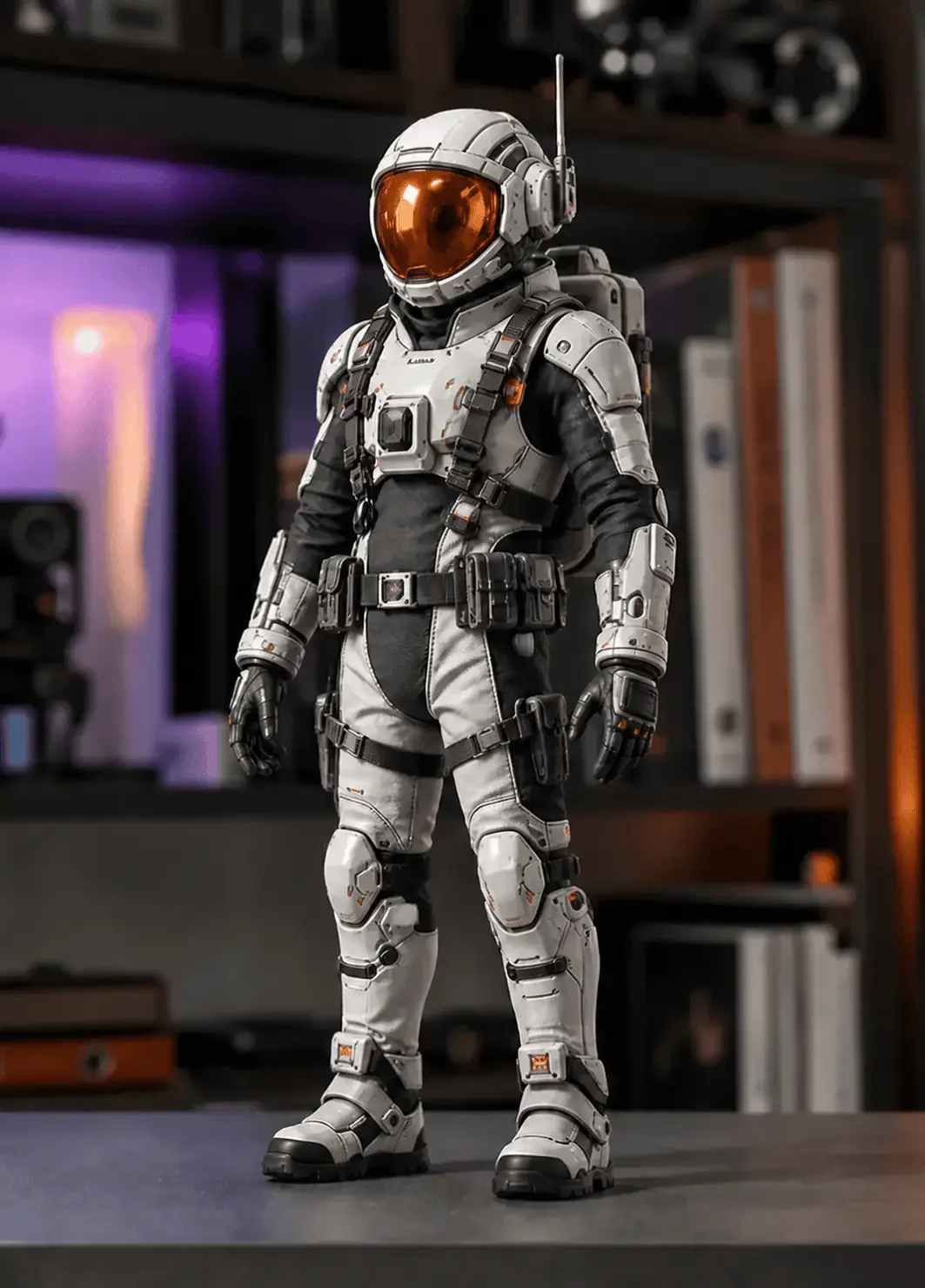
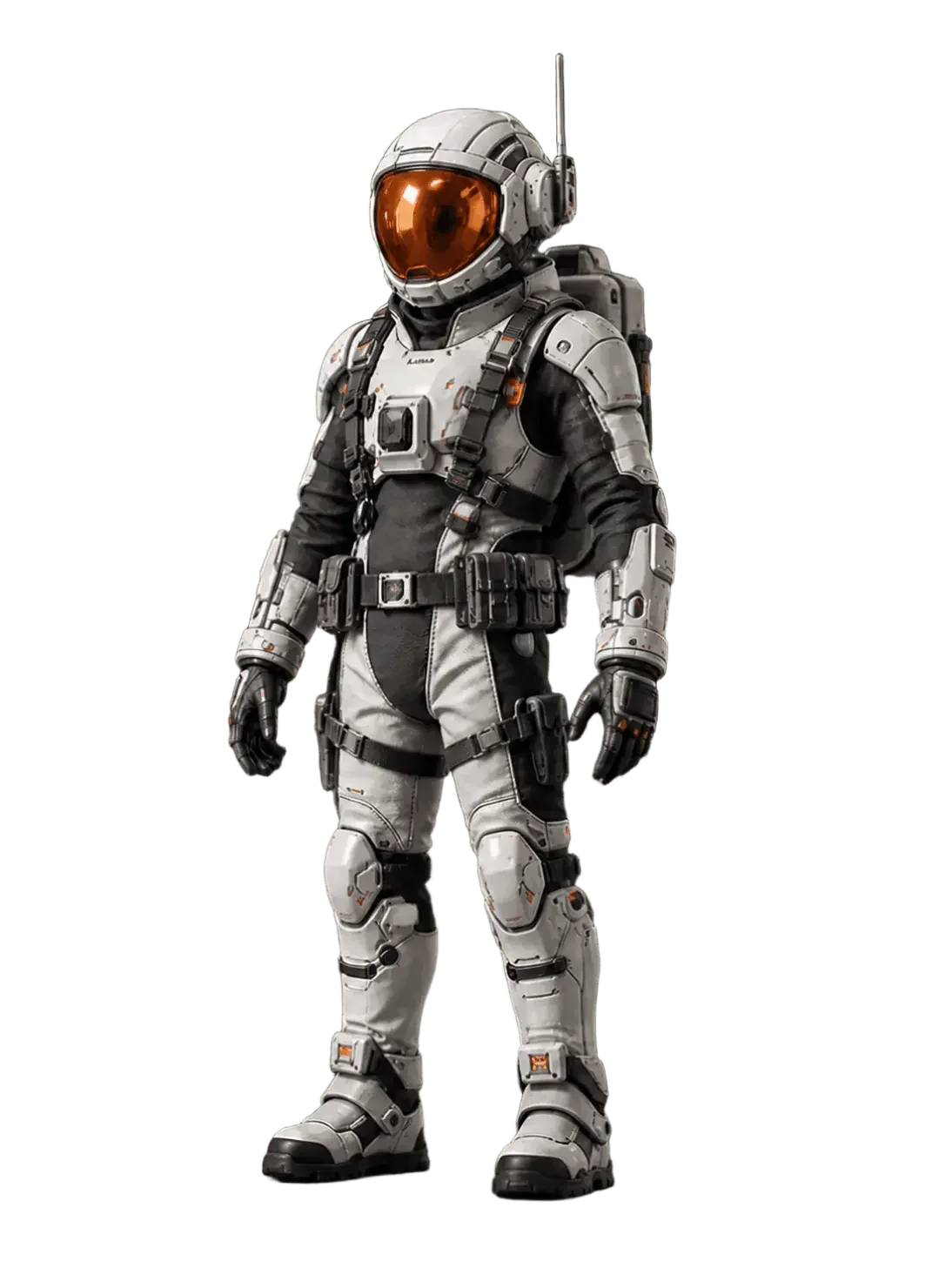
Cut out figures and small objects.
Remove backgrounds from figures and small objects for shop or collection images. Check thin parts and the edges of small gaps before downloading.
HOW IT WORKS
Three steps. Zero masking.
01
Upload your image
Choose a product, portrait, figure, or any photo you want to isolate.
02
Let AI find the subject
Fastby AI detects the subject and removes the surrounding background automatically.
03
Download your transparent PNG
Download a PNG with a transparent background. The white background is for previewing the result only.
BACKGROUND REMOVER FAQ
Questions about removing image backgrounds
Which images work best for background removal?
Images with a clear main subject and visible separation from the background usually produce the cleanest cutout. Good lighting and adequate resolution also help around fine edges.
Can AI keep hair and small details?
AI detects contours such as hair and clothing edges. Fine strands or partly transparent areas may be lost or retain some background, so zoom in and review the result before use.
Can I save the result with a transparent background?
Yes. You can download a transparent PNG. The white, black, and checkerboard backgrounds are only used to preview the result and are not included in the downloaded image.
Does background removal change the subject?
The tool is intended to isolate the existing subject rather than redesign it. It detects the subject boundary and removes the surrounding background automatically.
RELATED AI IMAGE TOOLS
Continue your image workflow
Move between image generation, transformation, background removal, and enhancement without leaving Fastby AI.
BACKGROUND REMOVER STARTS HERE
Make every subject stand out.
Input: PNG or JPG, one image up to 4 MB
Output: PNG with a transparent background
Free plan: 3 uses per day, shared across all tools


@ 2026 piece of cake Inc. All rights reserved.