TEXT TO IMAGE
Describe anything you can imagine, and watch our cutting-edge AI generate realistic, artistic, and stunning images in seconds. No design skills required.
Made for momentum.
From prompt to save in seconds.
Your style, not ours.
Photo, art, product, miniature & more.
Ready to use
High-quality files for real projects.
TEXT TO IMAGE, EXPLAINED
An AI text-to-image generator turns a written description into a new image. Describe the subject, setting, style, lighting, colors, and composition you want, then generate visual directions without starting from a blank canvas.
Fastby AI is useful for early concepts, social posts, presentation visuals, product ideas, illustrations, and creative exploration. Try several prompt variations, compare the results, and save the direction that best fits your project.
State who or what should appear and include the action, setting, or important objects.
Add a style, mood, lighting, color palette, or camera angle to guide the look.
Generate variations, keep the strongest result, and adjust your prompt for the next version.
ONE PROMPT. MANY DIRECTIONS.
Explore the look before you commit to it.
Move from realistic to expressive without rebuilding your idea. Fastby AI makes creative exploration feel fast, not random.

Product studio

Cinematic

Illustration

Fantasy

Photoreal

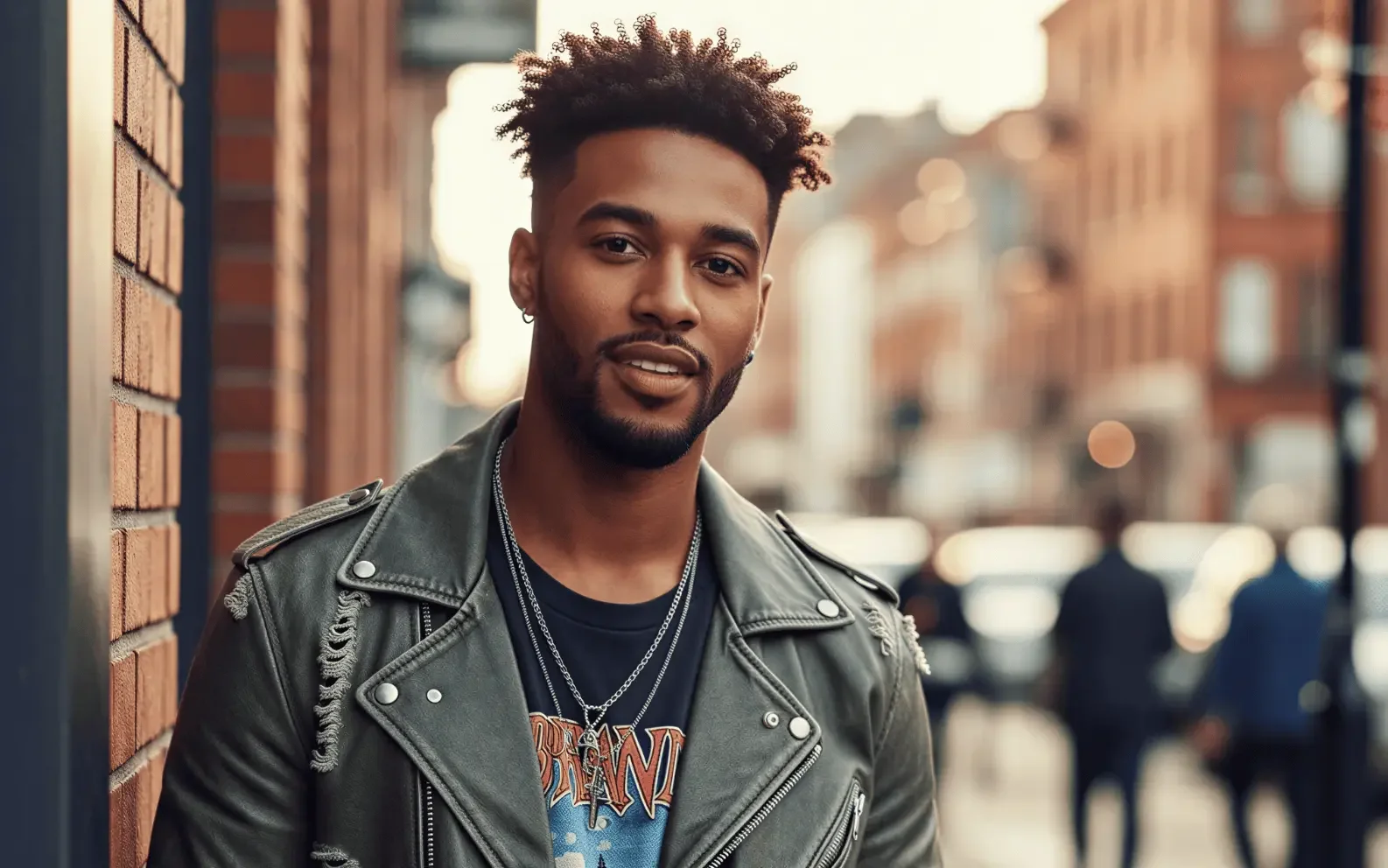
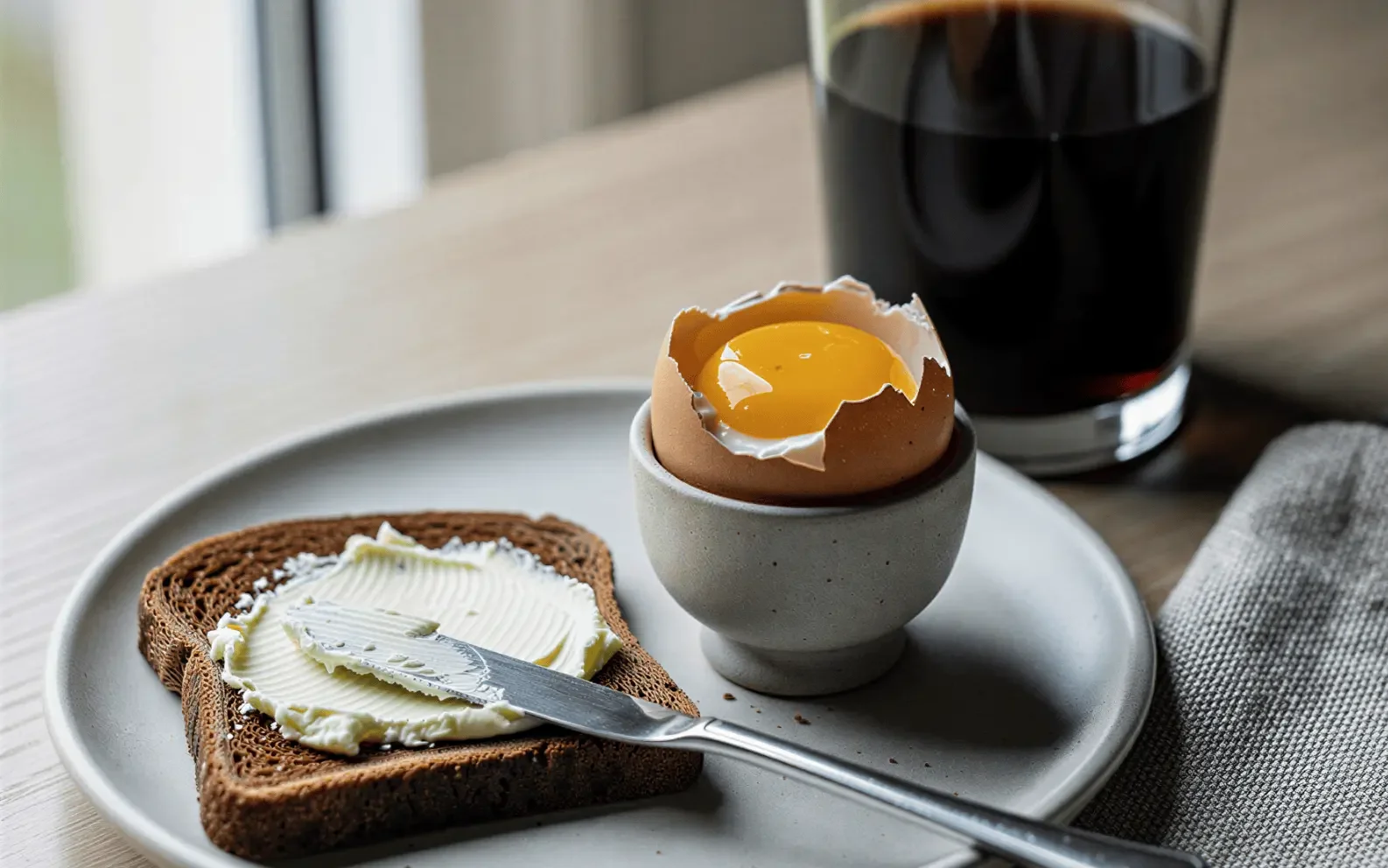
Photo

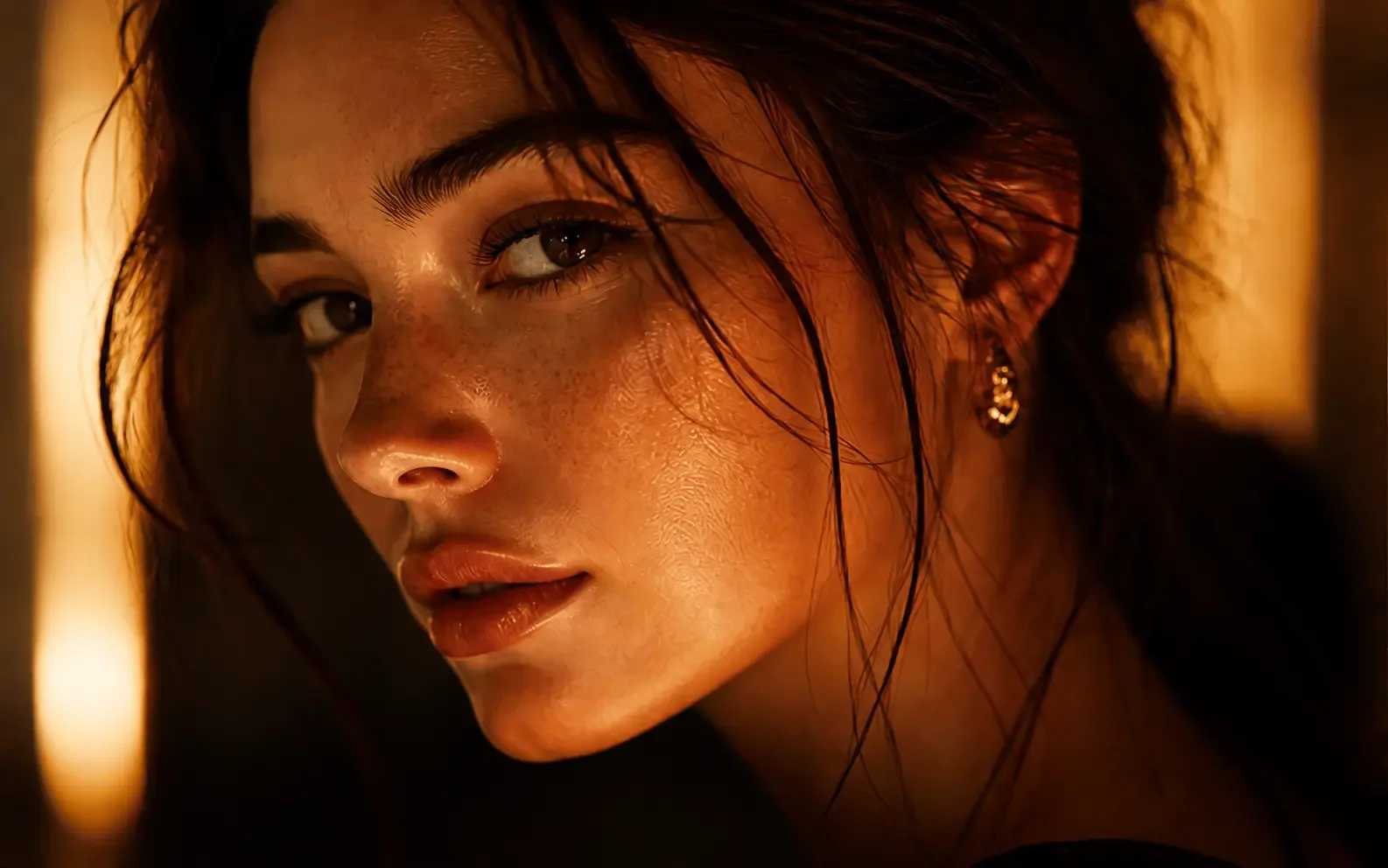
Close-up

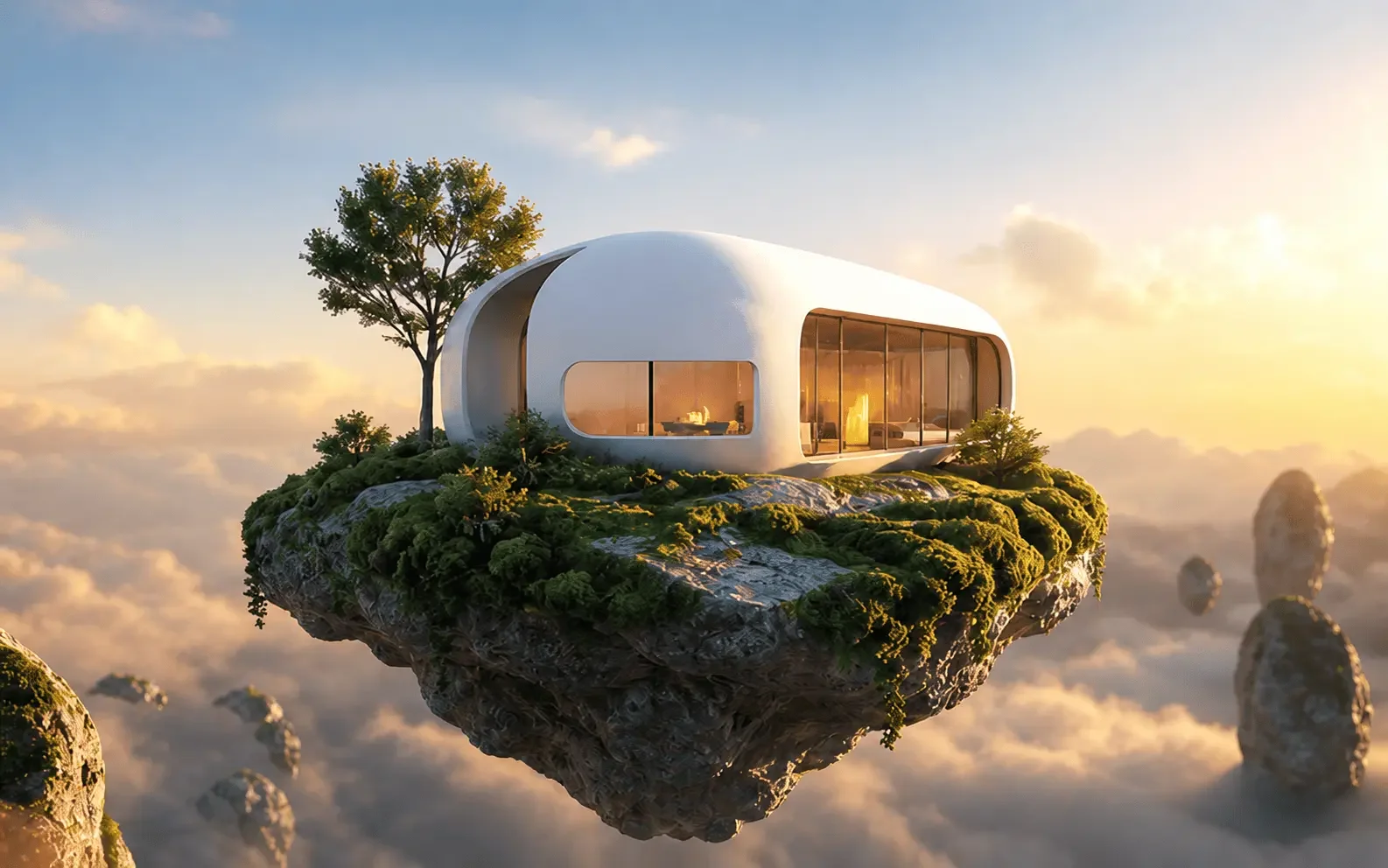
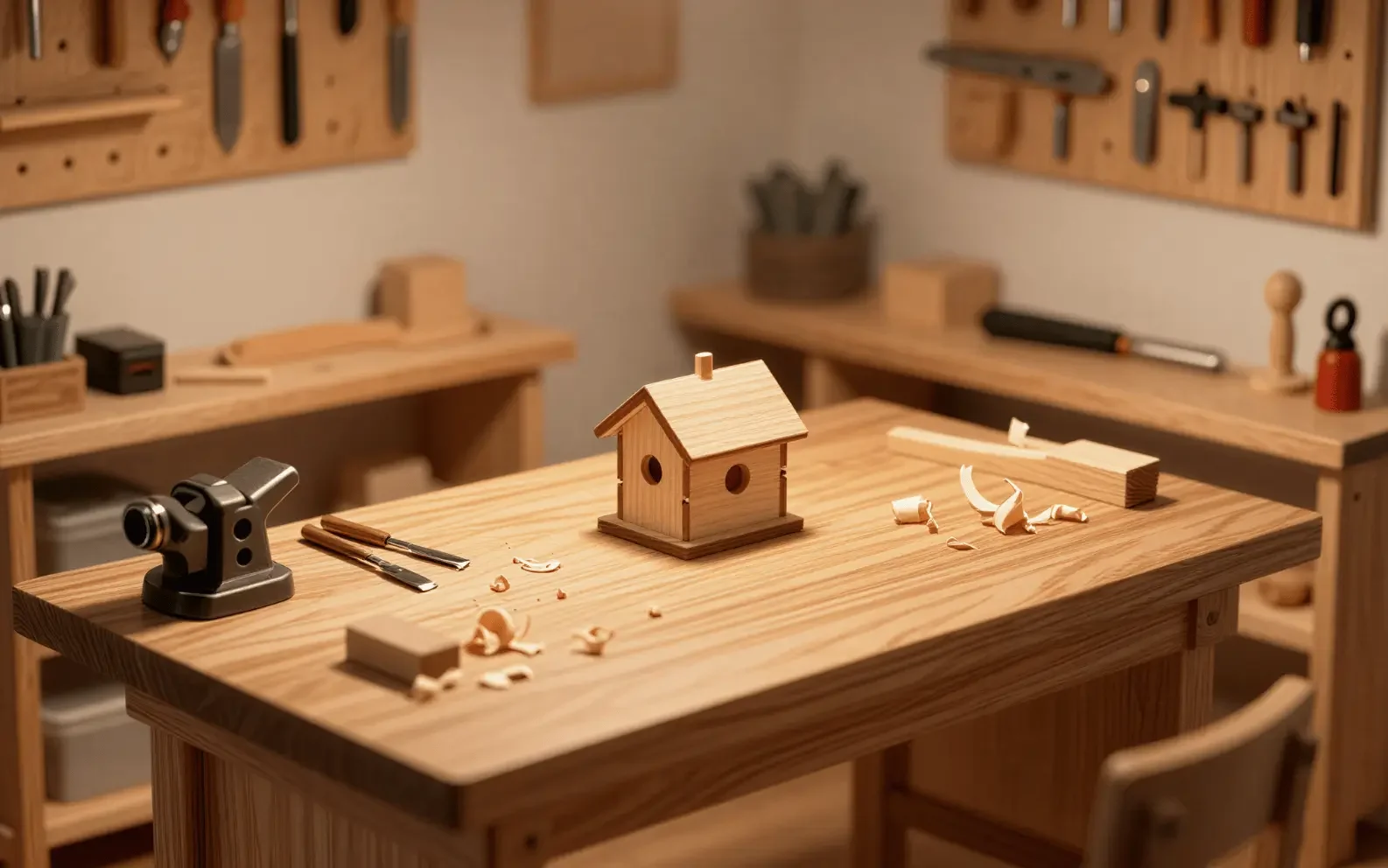
Miniature

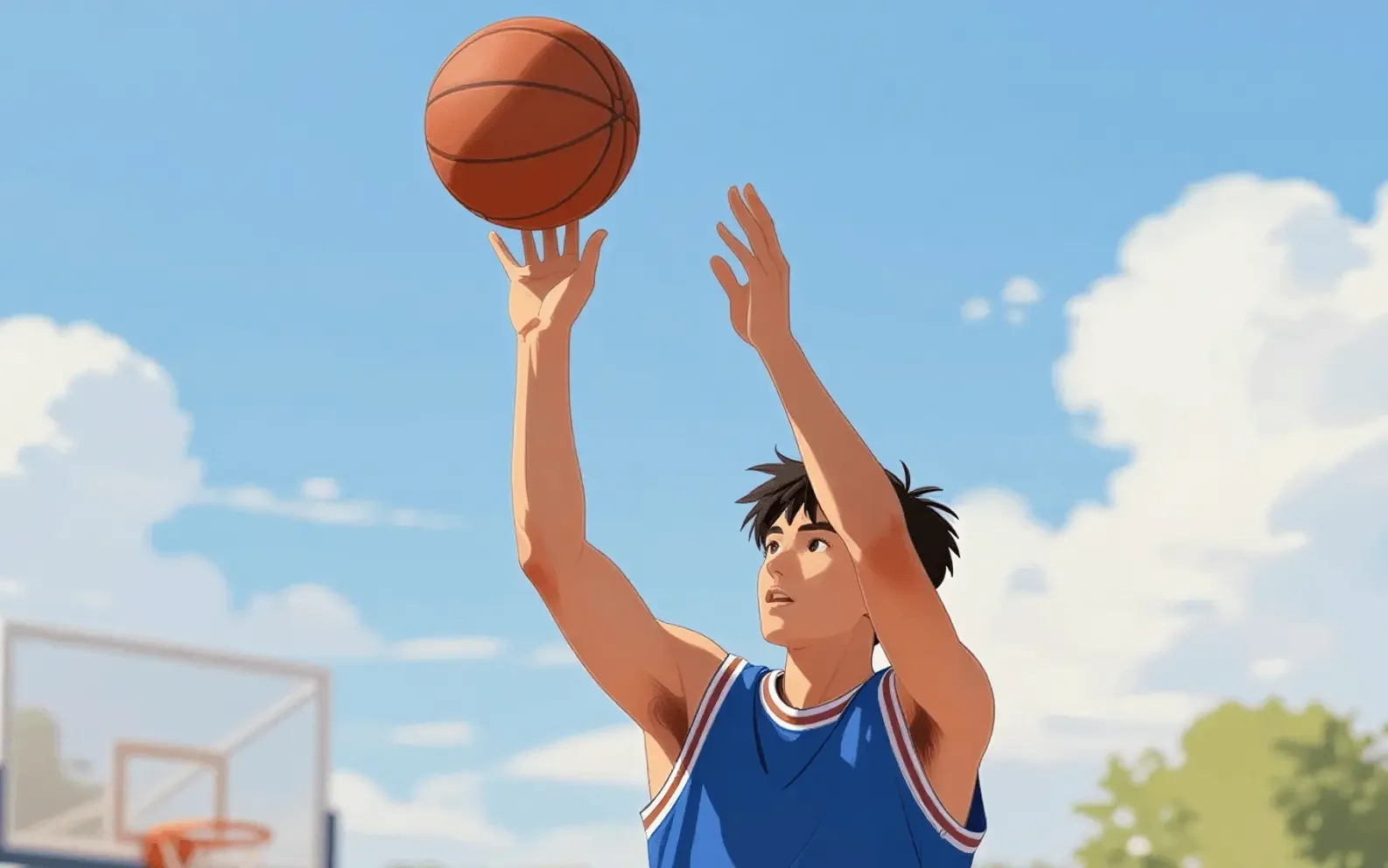
Animation

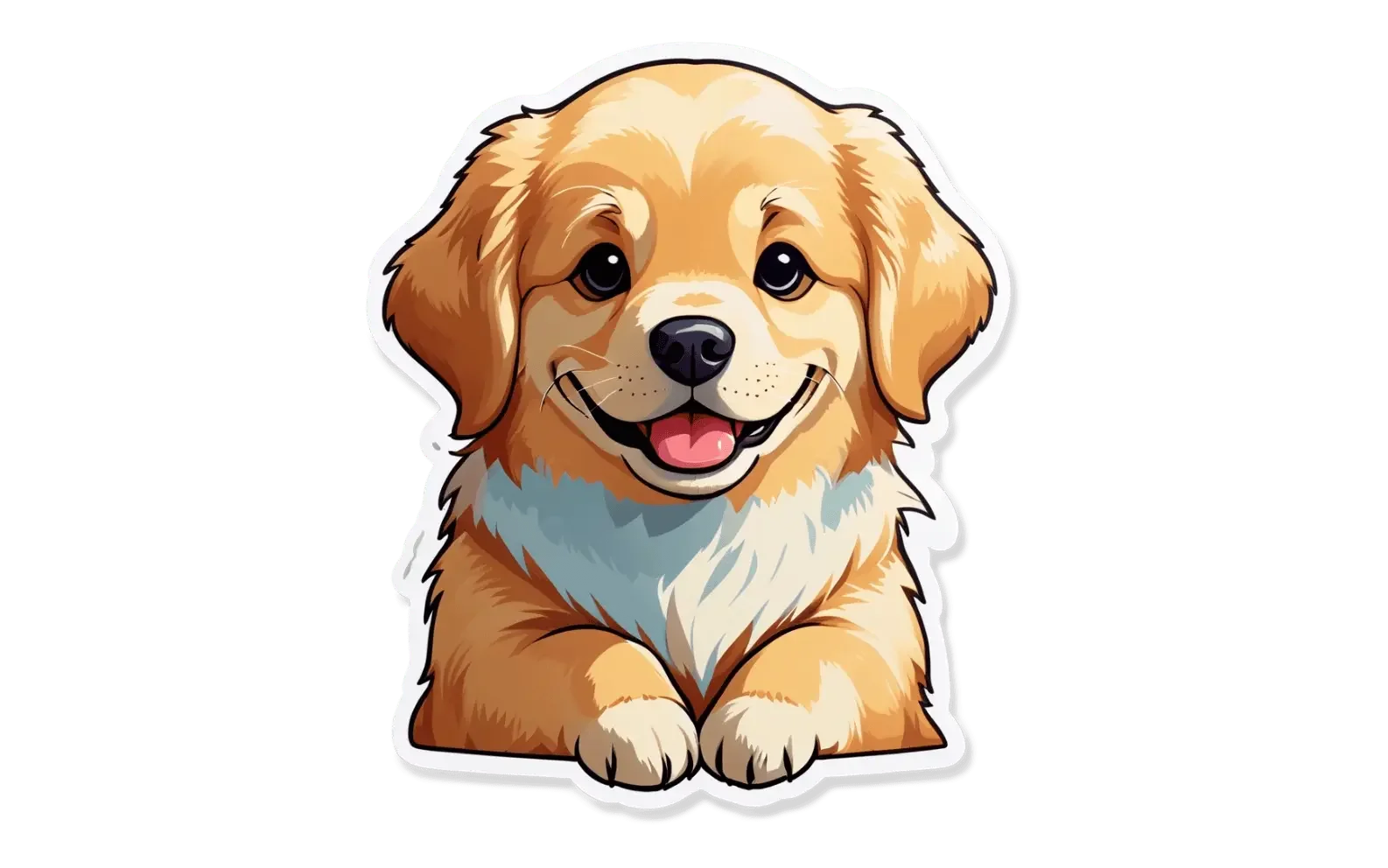
Sticker
BUILT FOR THE WAY IDEAS HAPPEN
Less prompting. More creating.
01
Start with plain language
Write what you mean. Fastby AI turns a simple sentence into a polished visual without prompt engineering.
PROMPT ASSIST INCLUDED
02
Choose a visual direction
Switch styles while keeping your core idea intact. Compare options side by side and follow the strongest direction.
MULTIPLE STYLES
03
Save and keep moving
Save your favorite in high quality and move straight into your campaign, deck, storefront, or next creative step.
HIGH QUALITY
TEXT-TO-IMAGE FAQ
You enter a description of the image you want. The AI interprets the subject, style, setting, and other details in the prompt, then creates a new visual based on that direction.
Start with the main subject, then add useful details such as the setting, action, art style, lighting, colors, composition, and mood. Clear priorities usually give the model better direction.
Yes. You can request realistic photography, illustration, cinematic scenes, product visuals, miniatures, animation-inspired art, stickers, and other visual directions.
Use image to image when you already have a photo, sketch, or reference you want the AI to preserve and transform. Text to image is better when you want to begin with words alone.
RELATED AI IMAGE TOOLS
Move between image generation, transformation, background removal, and enhancement without leaving Fastby AI.
YOUR NEXT IMAGE STARTS WITH A SENTENCE
What do you want to create?